

Hi, I'm Amit
Software Developer
Built mine in 30 seconds.

Hi, I'm Jyoti
Teacher
My students loved it.

Hi, I'm Daniel
Project Manager
Got 4 Projects last month.

Hi, I'm Nikita
HR Professional
Landed my dream job.
Stand out from the crowd.
In 30 seconds.
A polished portfolio for personal branding, work showcase, or job hunting covers all three. Built from your LinkedIn or PDF resume in just 30 seconds. Zero coding required.
4.8/5 from 5,000+ users
27,000+ visitors all-time
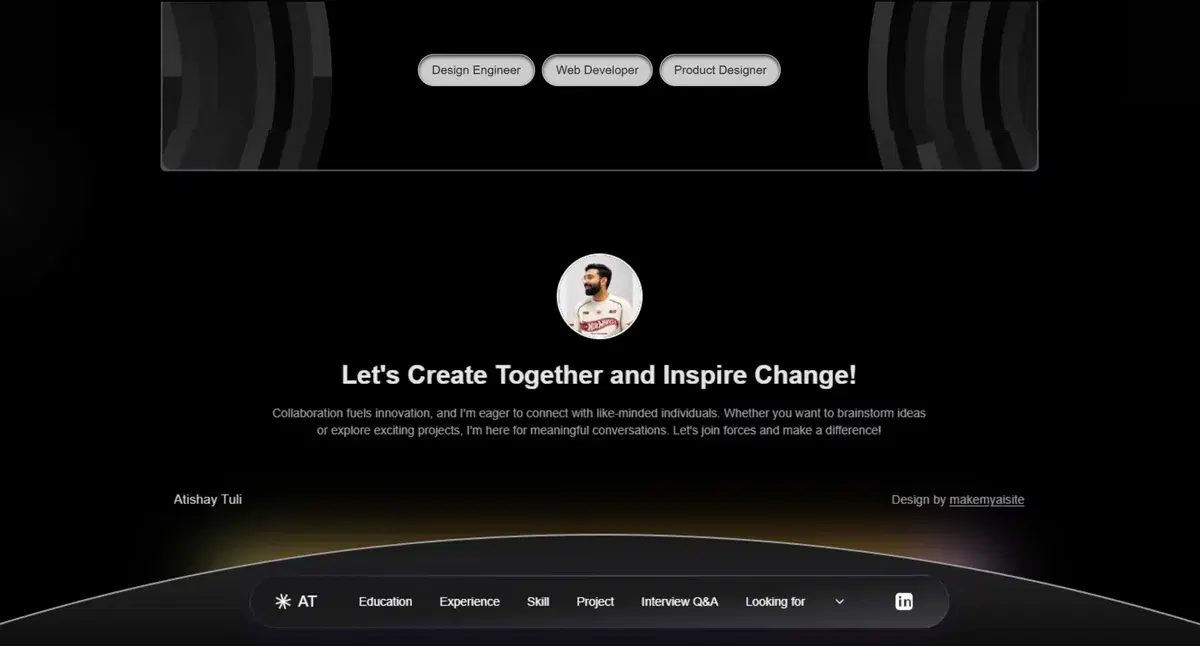
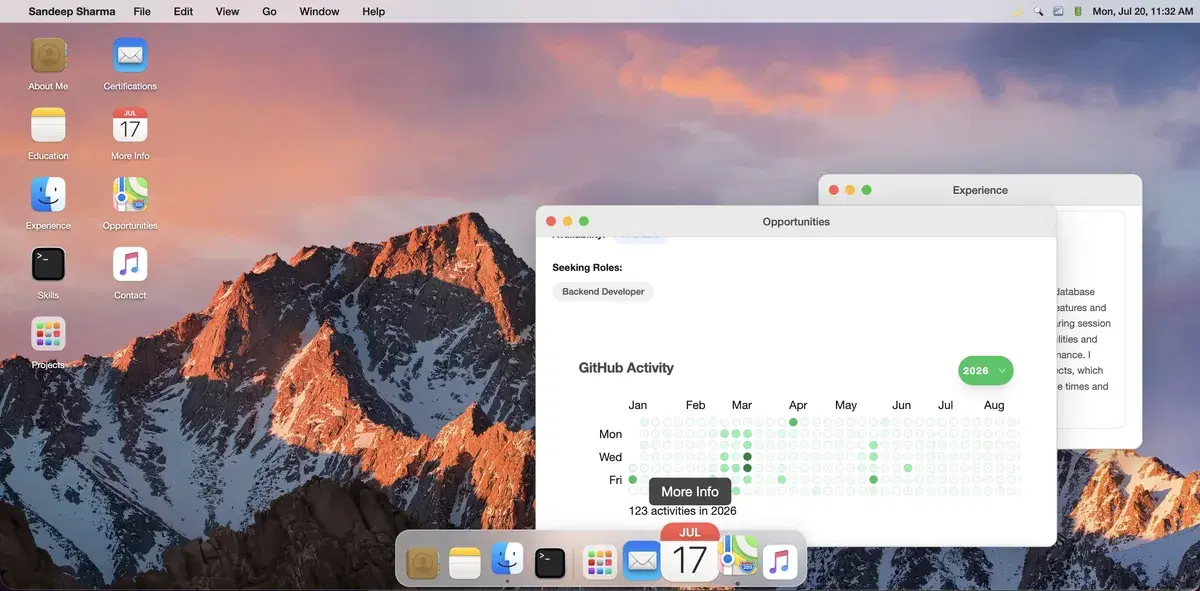
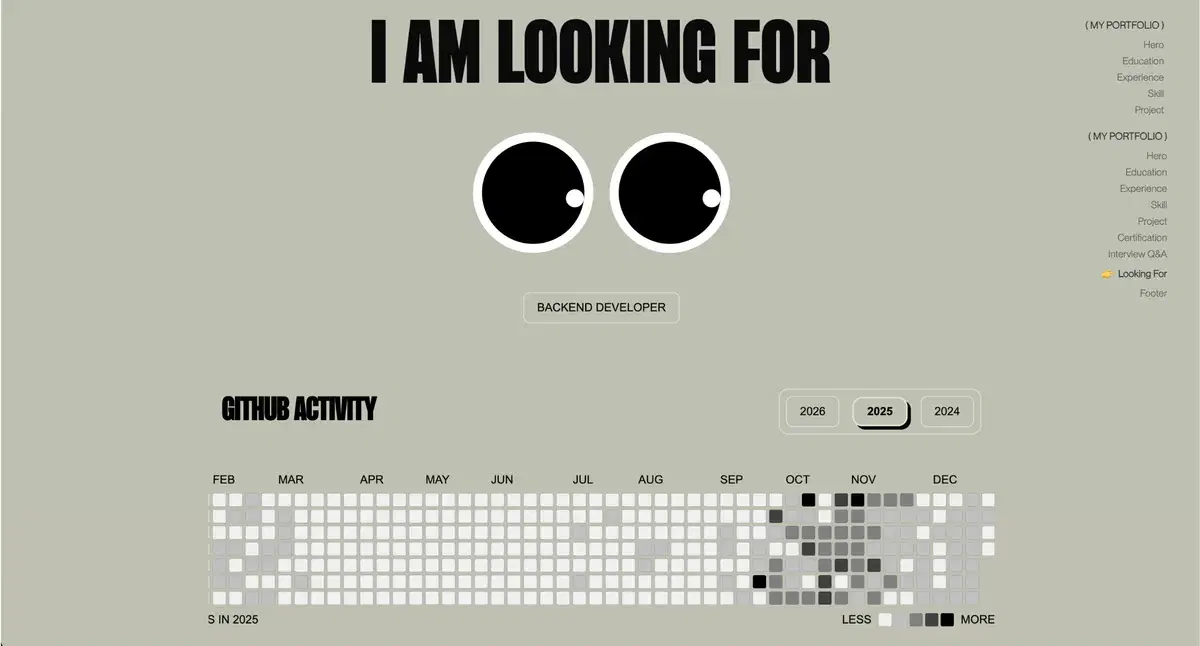
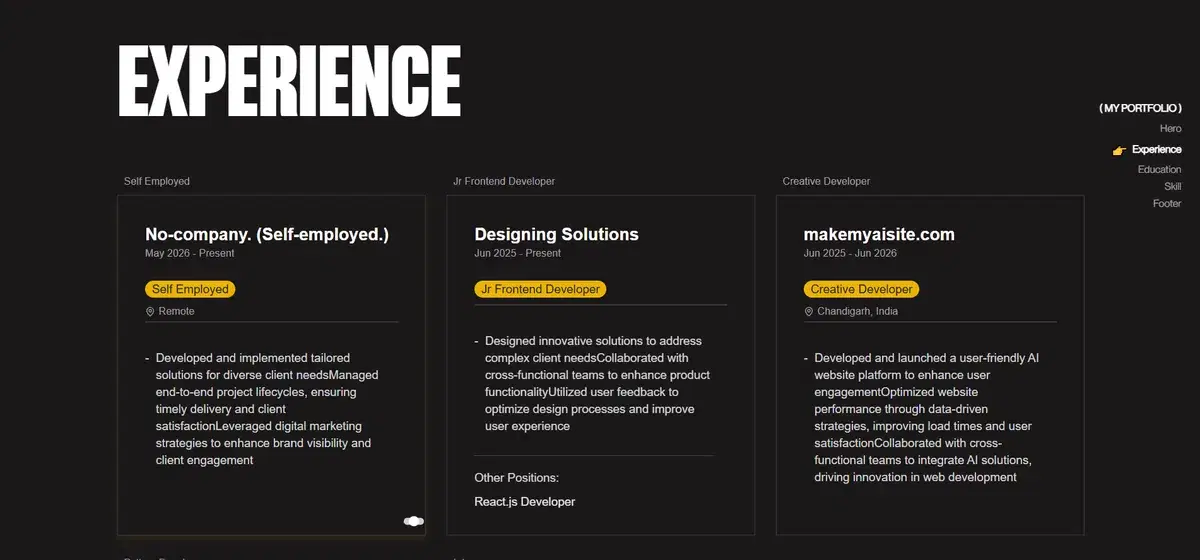
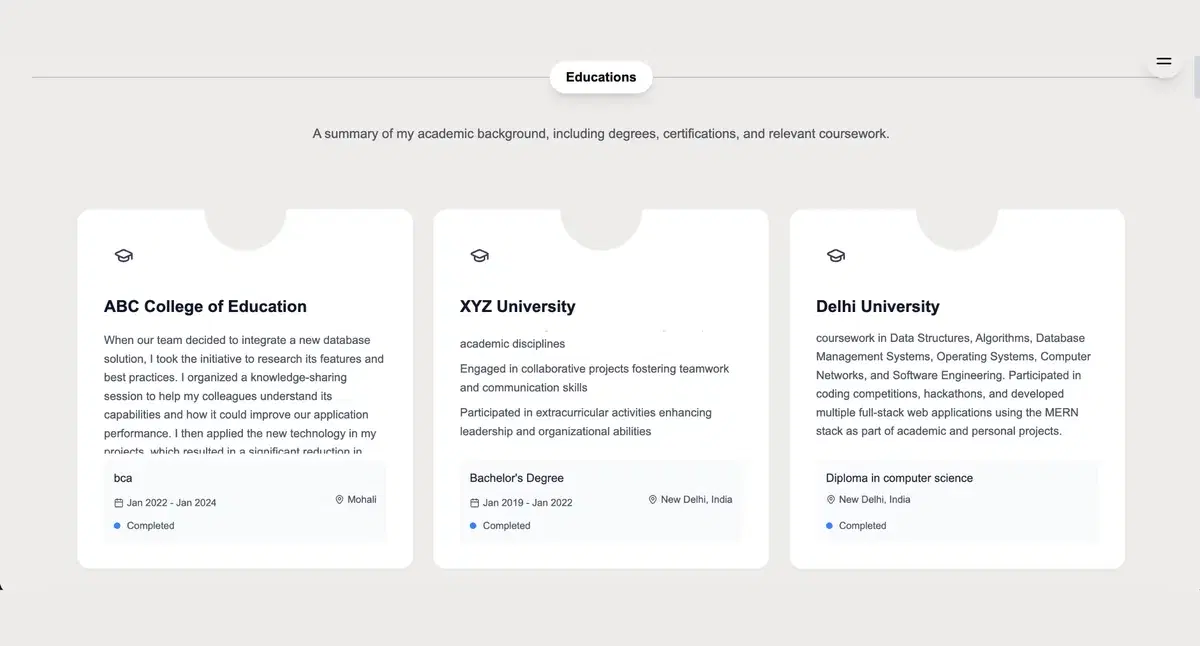
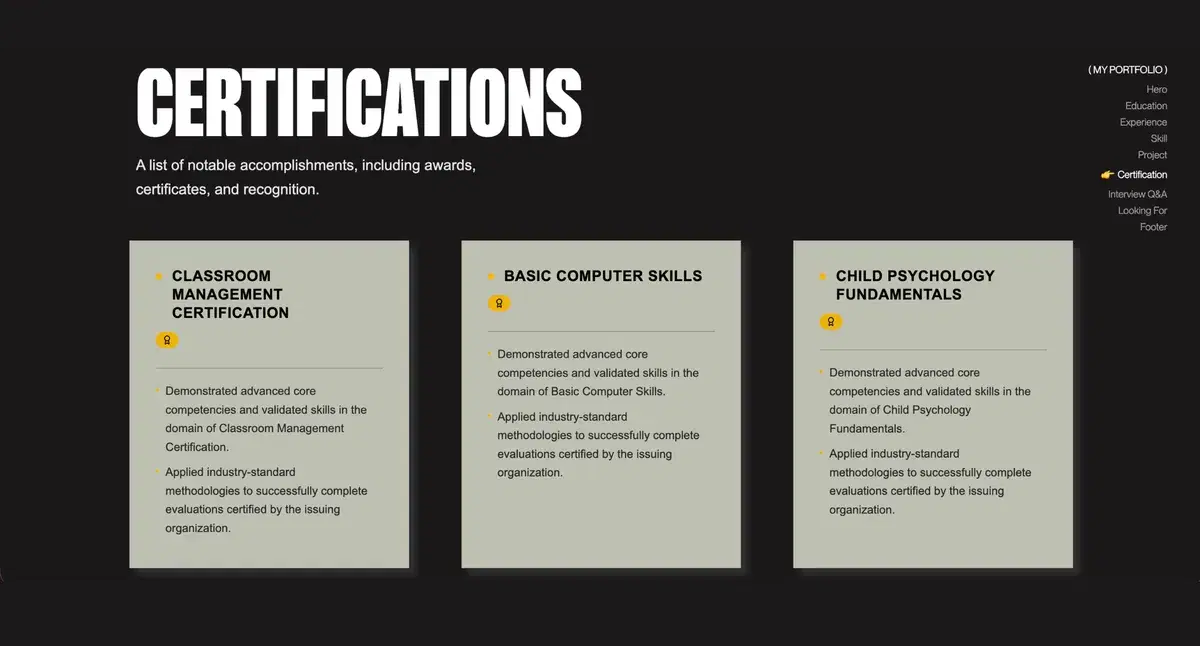
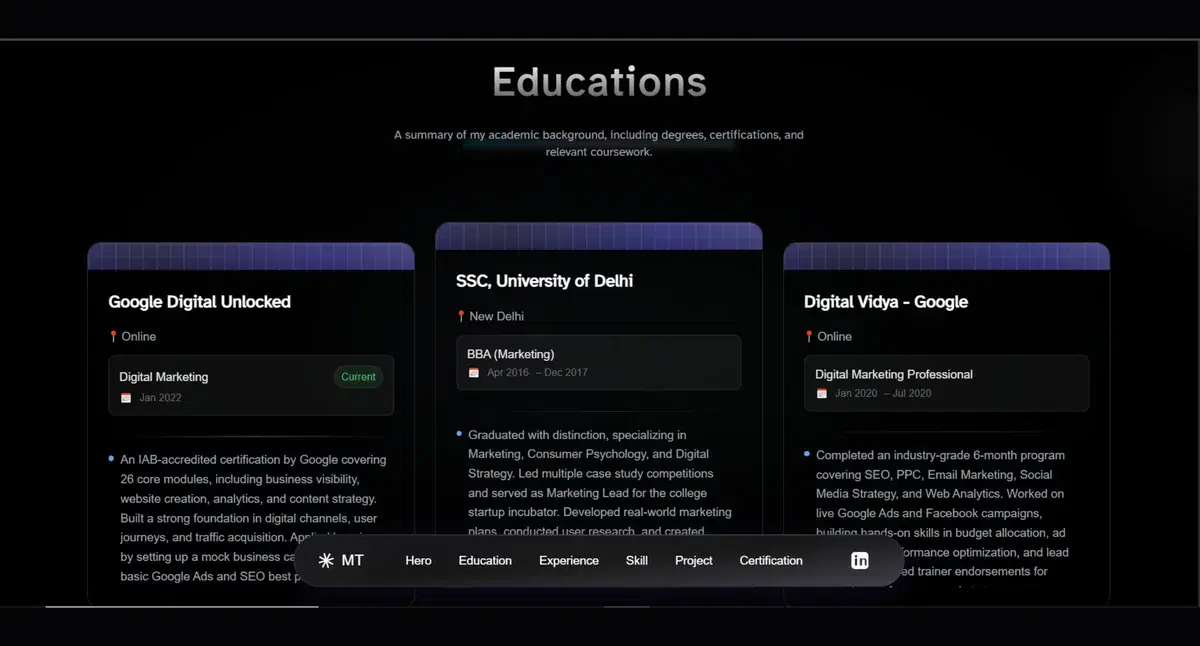
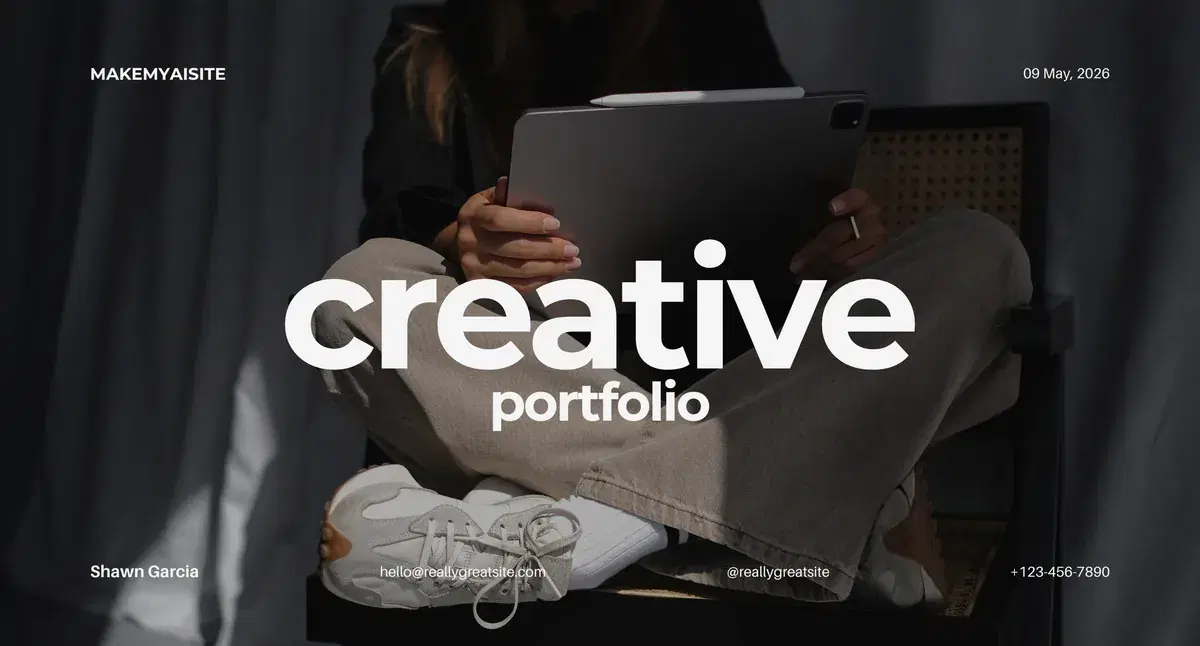
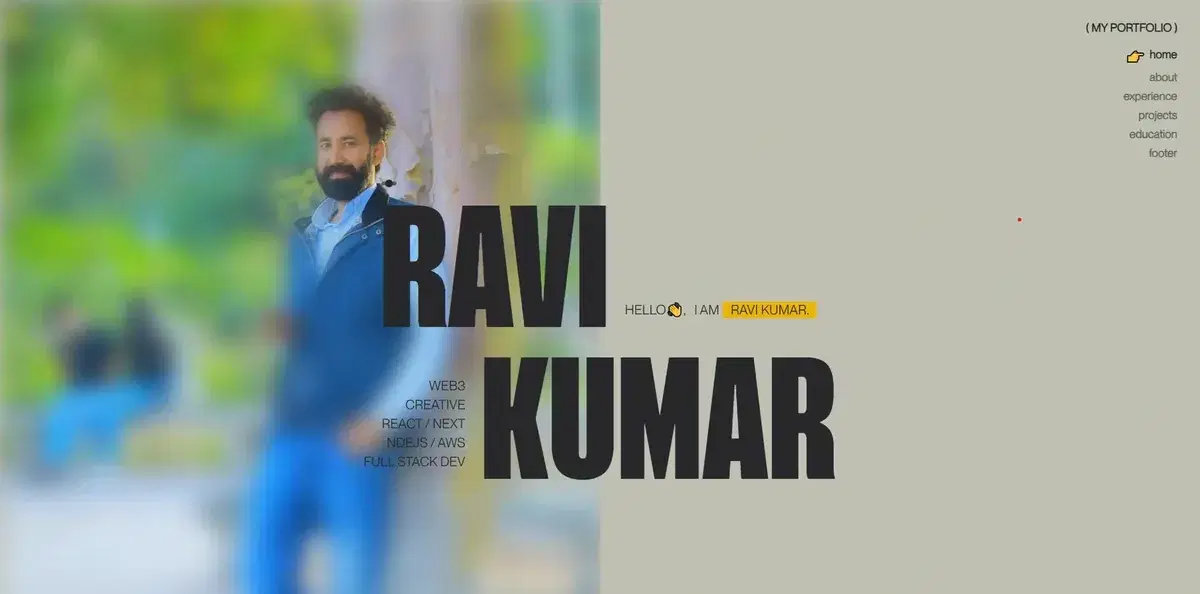
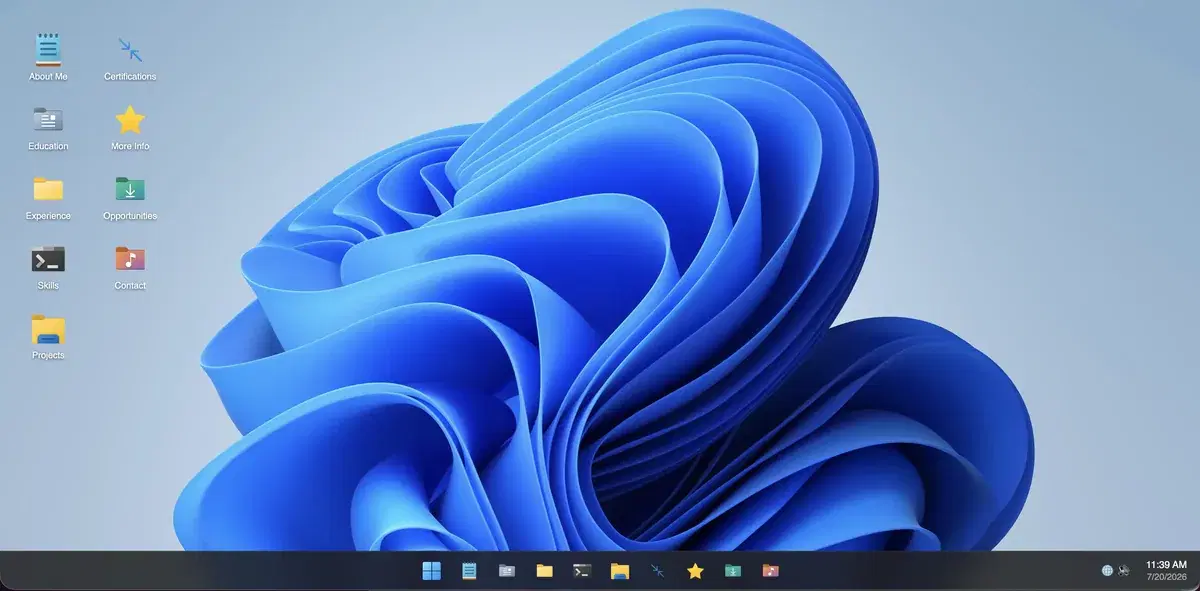
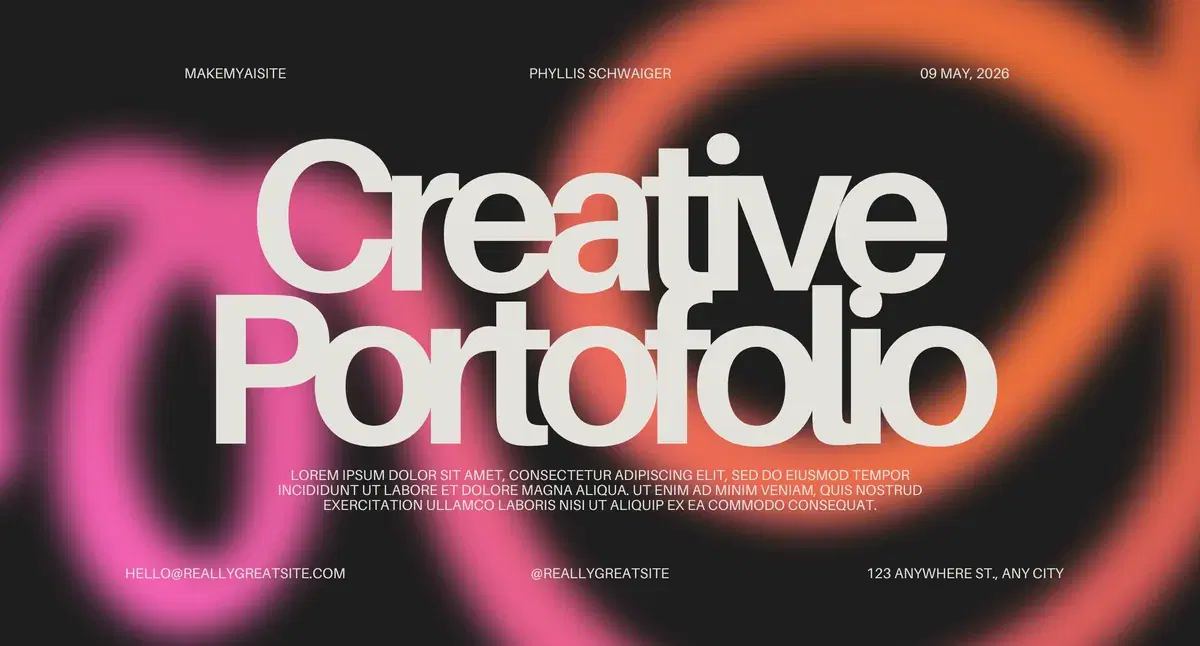
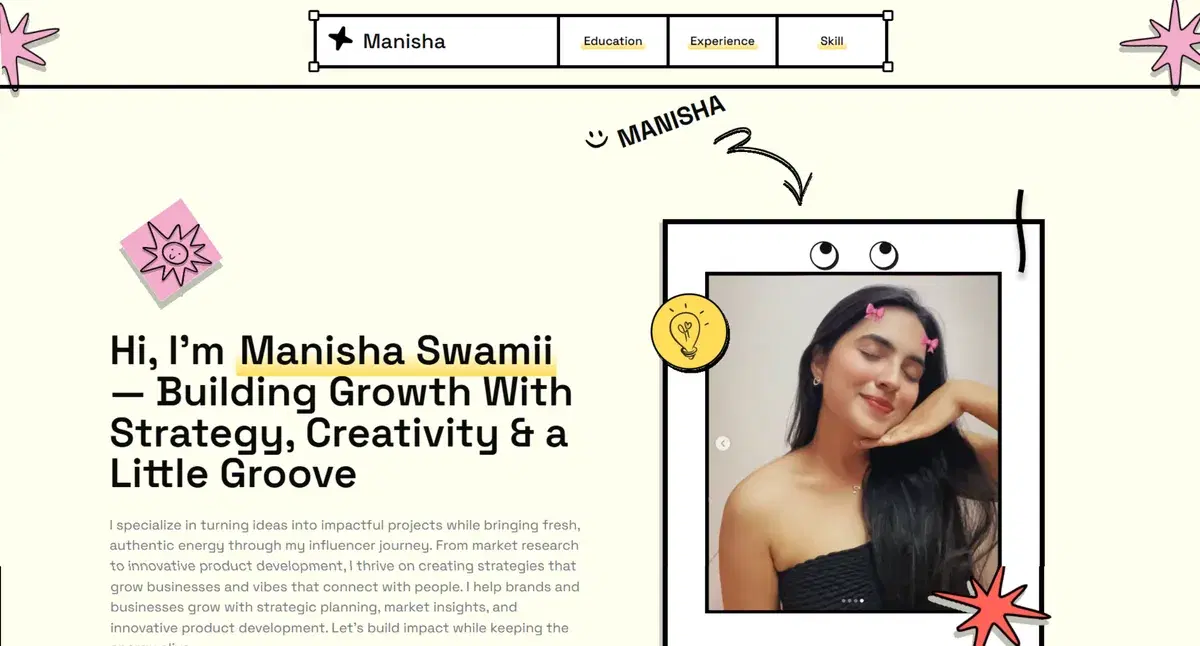

Start your way.
AI does the heavy lift.
Use the input you already have. Paste your LinkedIn profile, upload a resume, or enter details manually. We turn that raw information into a polished first draft you can edit and publish without code.


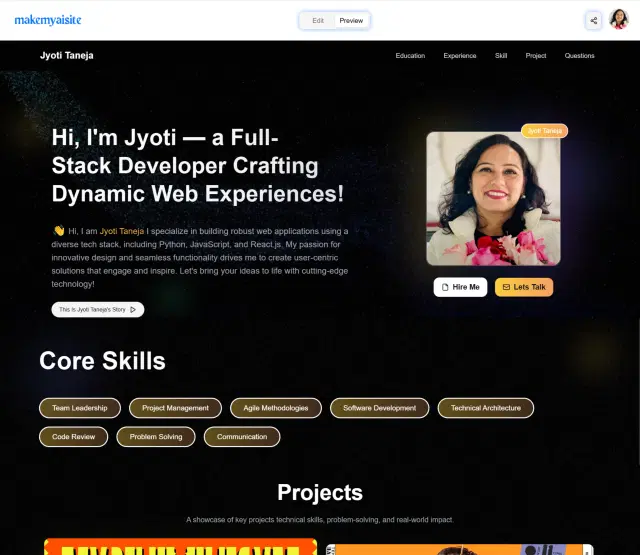
Import what you already have
No blank page. Start from LinkedIn, a resume, or your own details.
Get a structured first draft
AI organizes your experience, projects, and skills into a clean portfolio layout.
Edit, switch, and publish
Refine the copy, pick your favorite template, and share one polished link.
See it work
Paste, edit, publish.
The exact flow you'll use paste your LinkedIn, edit any section, switch between templates with one click, and ship a live portfolio link.
More than a portfolio.
A personal-brand toolkit.
Edit any section, regenerate copy with AI, collect verified testimonials, and prep with AI-generated interview questions every feature designed to help you stand out, not just look good.
AI Content
Regenerate any section's copy with AI bio, project descriptions, achievements. Tune the tone, polish the language, and never start from a blank page.
Rich Multimedia
Upload images, embed videos, and record voice intros directly in your portfolio. Show work in the format that fits not just walls of text.
Section Control
Add, remove, reorder, or edit any section education, projects, testimonials, social links. Build your portfolio like blocks, not a fixed template.
Shareable Link
Your portfolio lives at a clean personal URL like makemyaisite.com/your-name share it on every application, profile, and email signature.
Maya Chen
Senior PM · Tech Co.
Hidden until they confirm every quote is real.
Verified Testimonials
Request testimonials from real colleagues and clients. We email them for verification only verified ones go live, so every quote on your page is authenticated.
Walk me through a project you led and how you met the deadline.
How do you ensure team communication remotely?
Auto-generated from your profile. Recruiters preview before the call.
Interview Q&A
AI auto-generates interview questions recruiters typically ask for your role, with answers based on your profile. Prep before the call or share the link with employers.

Built for every kind of standout
Real people. Real portfolios.
Built in 30 seconds.
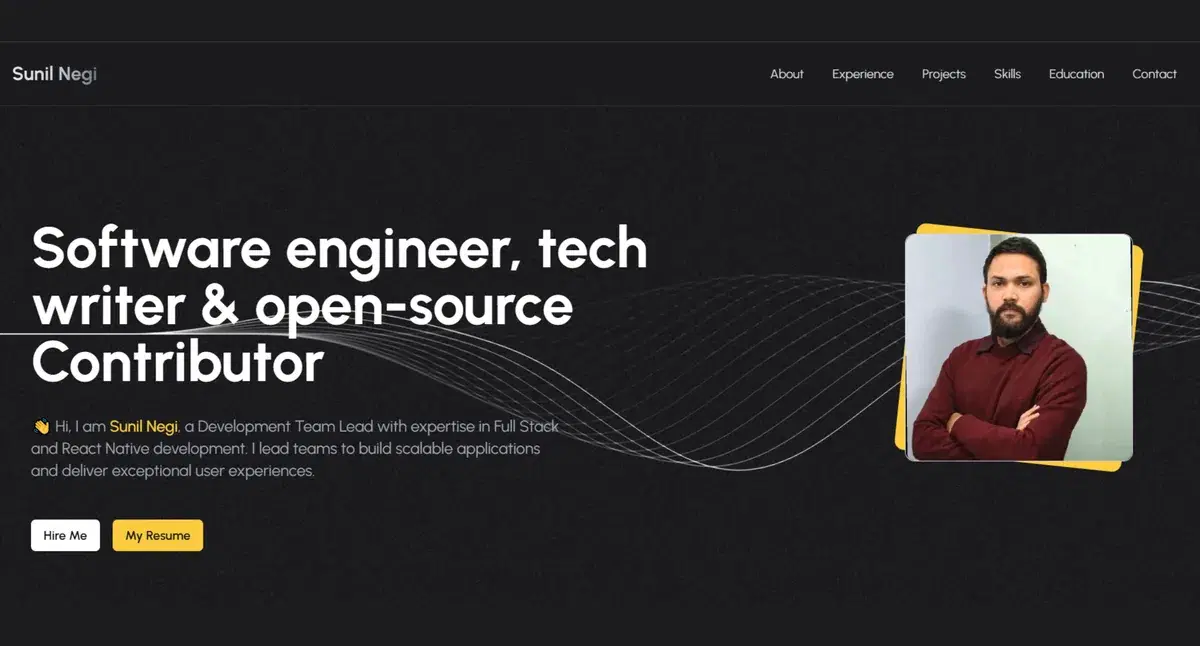
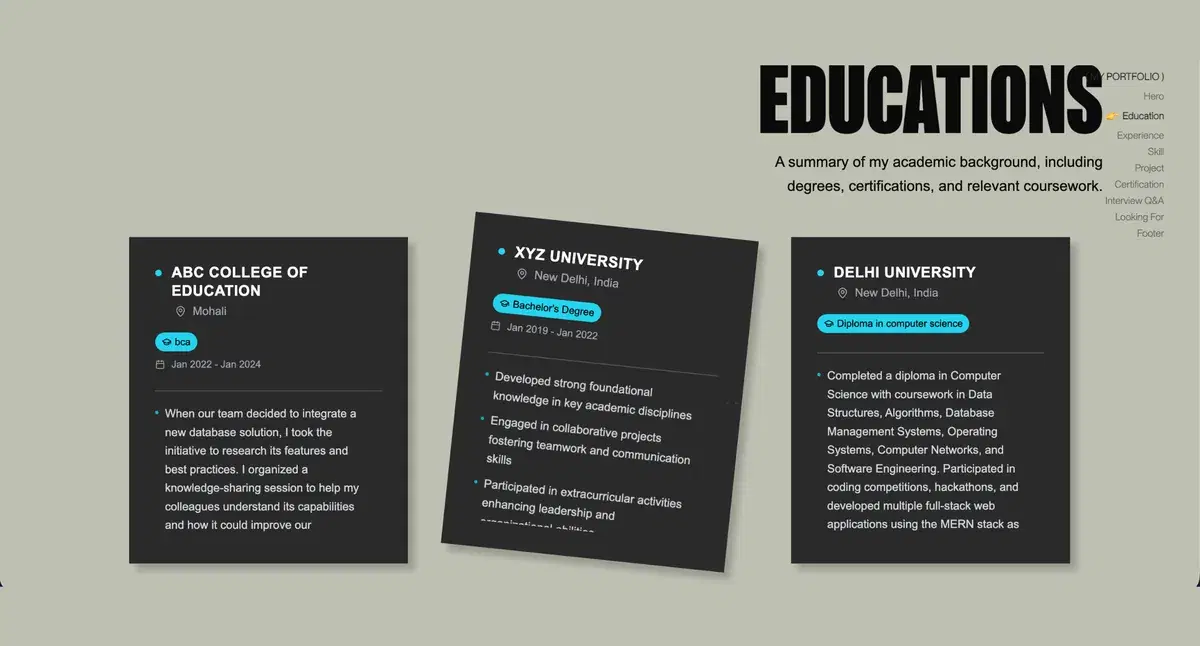
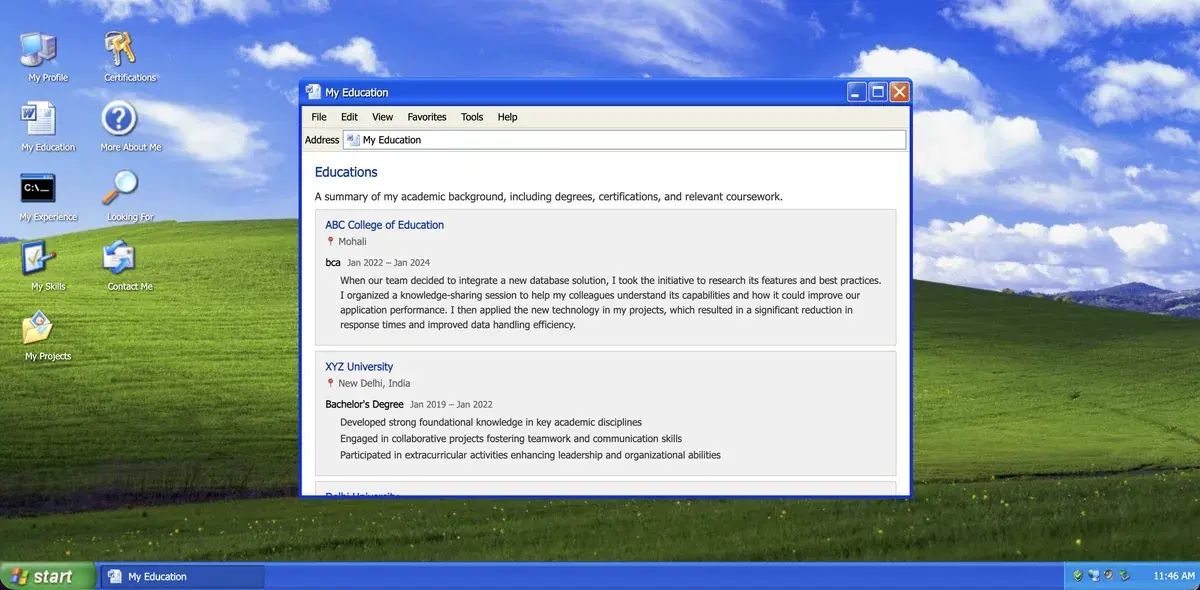
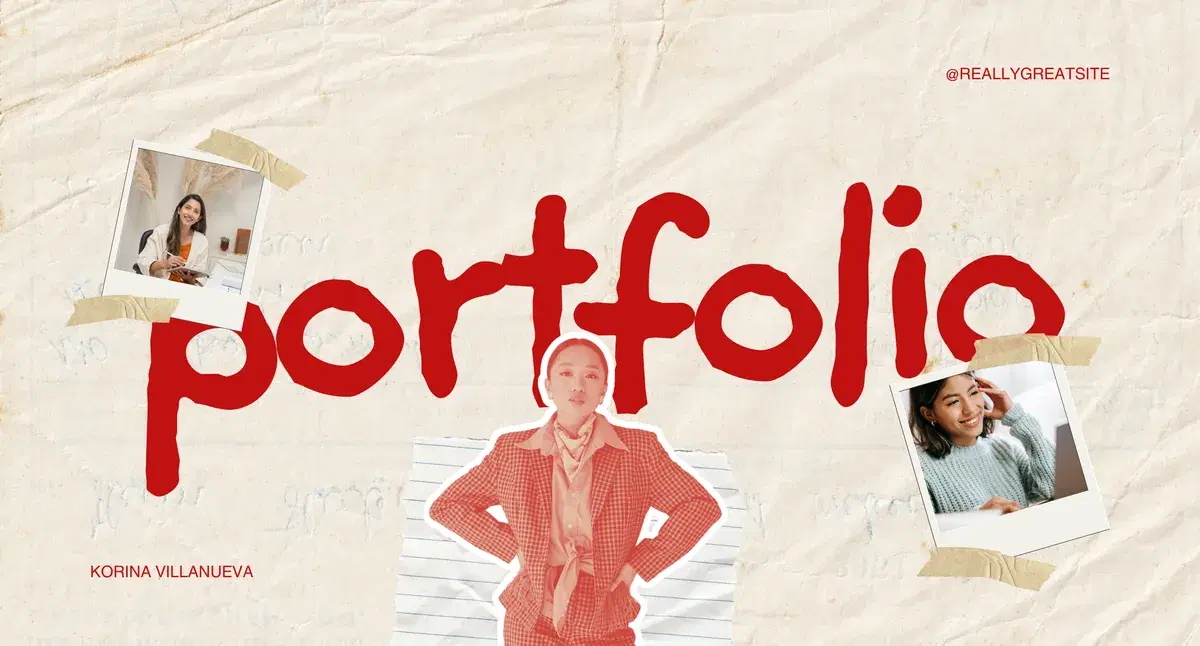
Click any card to open a live portfolio shipped with MakeMyAISite. No marketing mockups, no Figma demos.

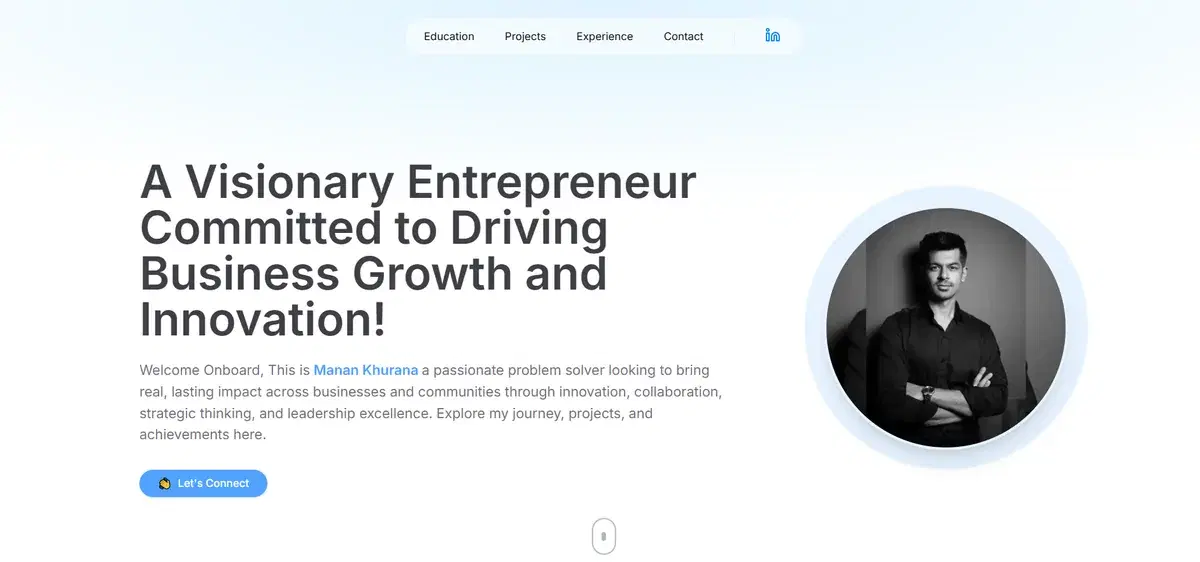
Manan Khurana
Strategy, leadership, and case work built to land the role.

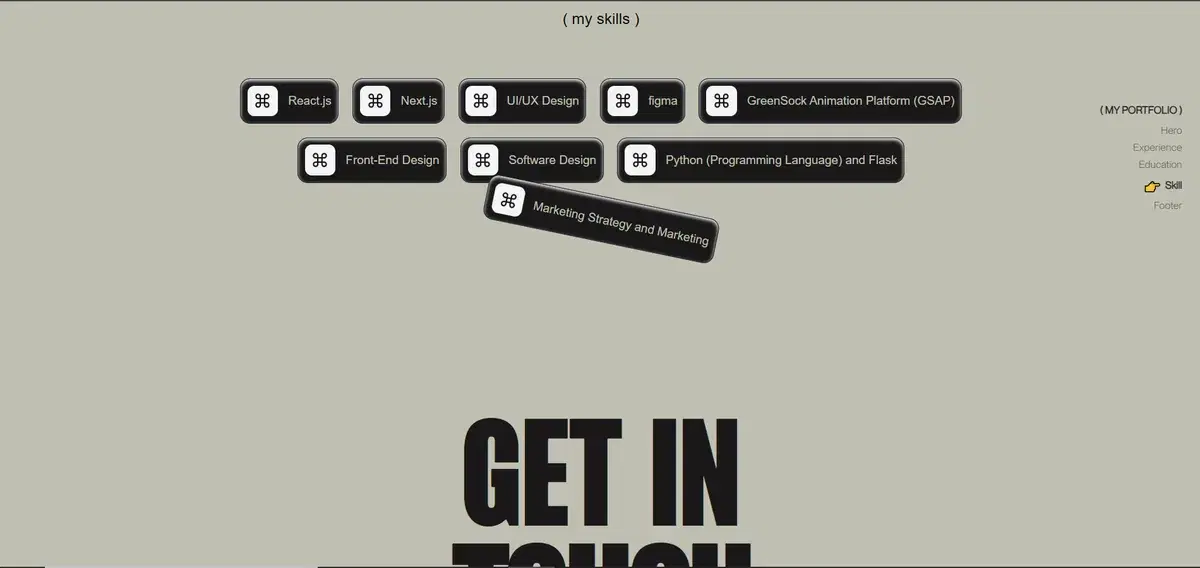
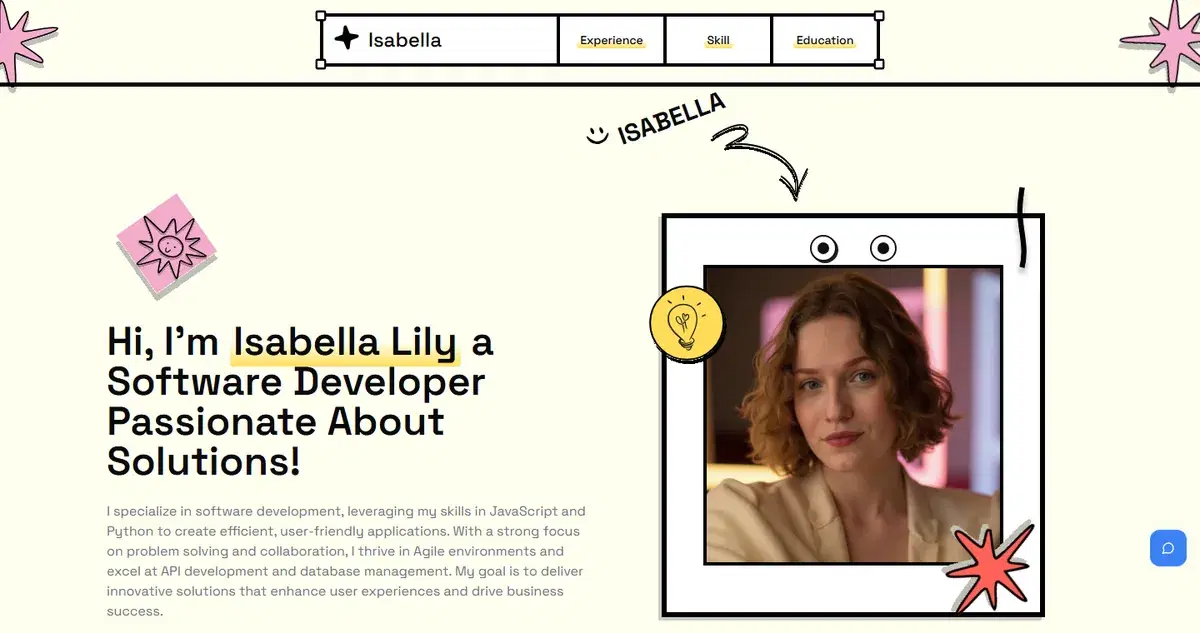
Isabella Lily
Stack, projects, and live demos all on one page.

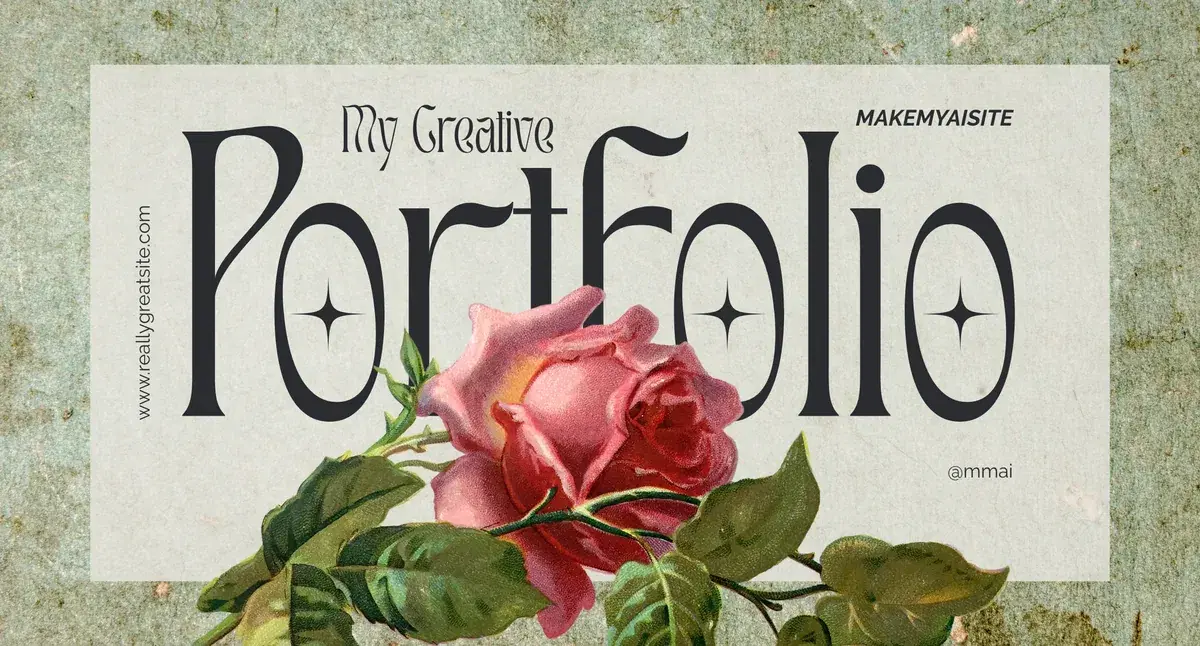
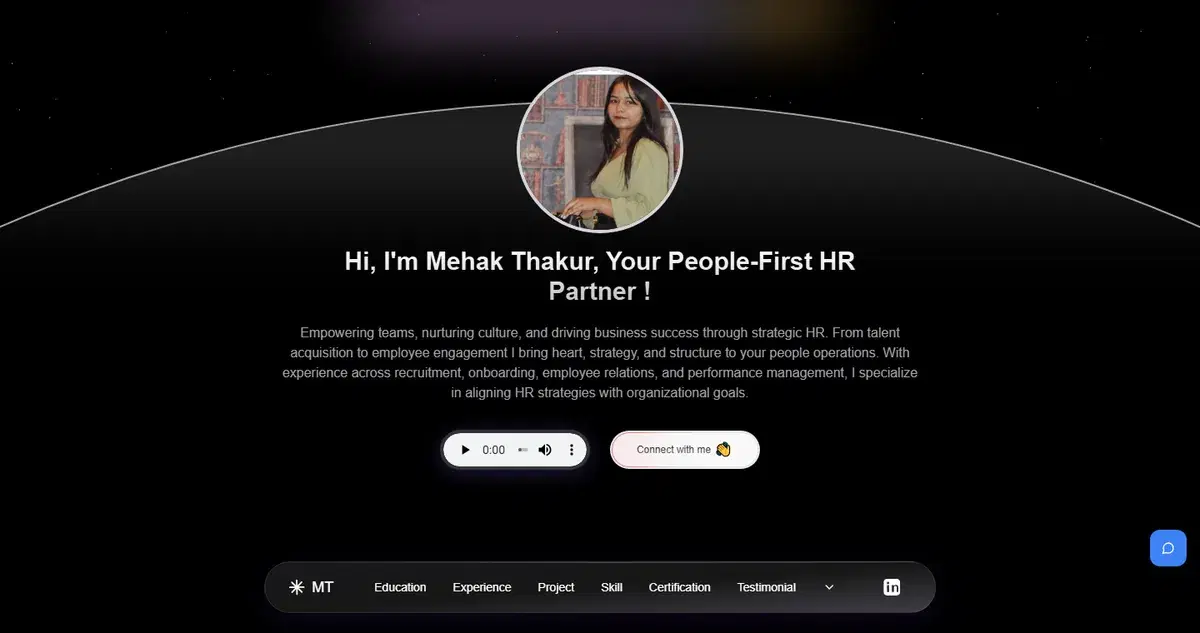
Mehak
People-ops experience and case work all in one place.

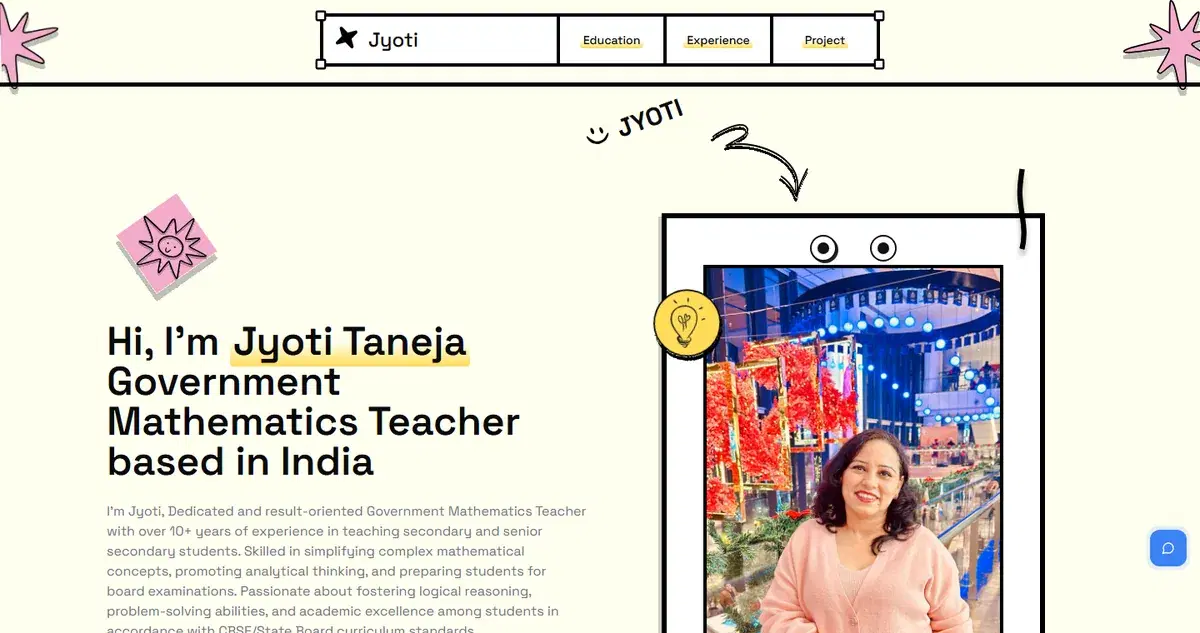
Jyotika Taneja
Teaching achievements and impact beautifully presented.

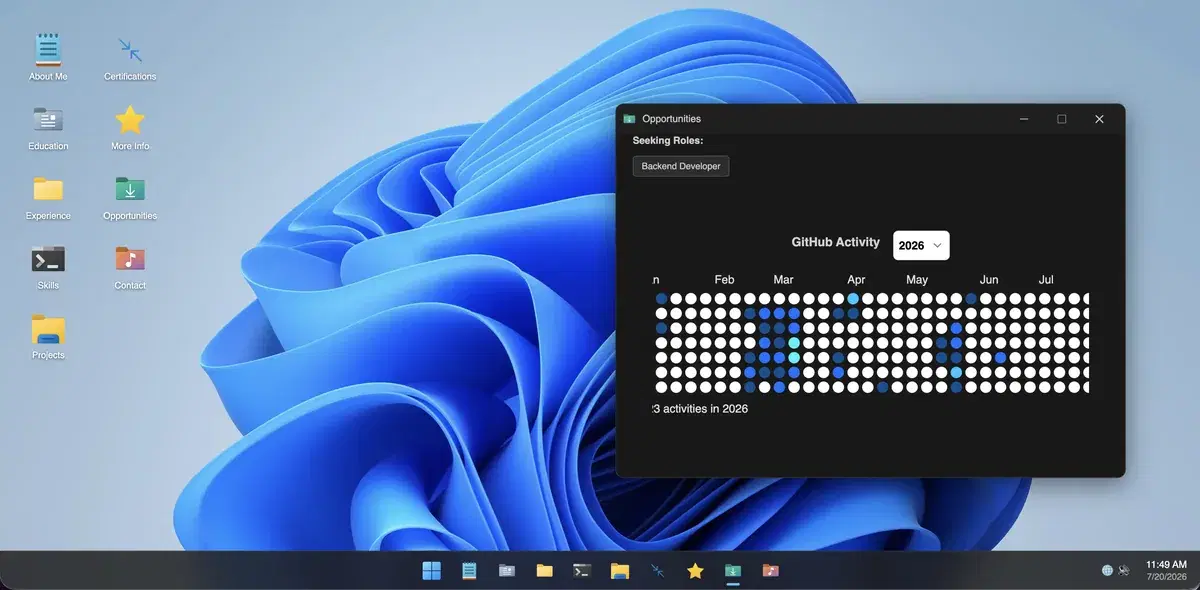
Sunil Negi
Project management experience and achievements beautifully presented.

Free forever to start
Start free. Upgrade later.
Build your first portfolio without picking a plan. Publish a real live link, and only consider premium when you want richer templates, AI rewrites, and unlimited design switching.
Everything you need to ship a portfolio you can share today.
- Import from LinkedIn
- Upload a resume
- Use free templates
- Edit your portfolio
- Publish a live link
- No credit card required
When you want more creative firepower
Premium unlocks the bells and whistles. Decide later, after your free portfolio is already live.
- 3D and animated templates
- AI copy rewrites and polishing
- Unlimited design switching
- Advanced customization and richer media
Trusted by Professionals
From fresh graduates to seasoned freelancers see how MakeMyAISite helped real people land interviews, win clients, and stand out online.
I pasted my LinkedIn URL at 9am and had a live portfolio by 9:01. Got a recruiter DM on it the same afternoon. MakeMyAISite is the single best thing I've done for my job search.

Liam Bennett
Software Engineer
Every client asks who built my portfolio. When I tell them it was AI, they don't believe me. That reaction alone has converted more leads than any pitch I've ever given.

Sophia Carter
Freelance Designer
I spent months avoiding portfolio work because it felt overwhelming. MakeMyAISite made it a 90-second task. The result? Better than anything I could have hand-crafted in a week.

Ethan Harper
Full-Stack Developer
The AI wrote my bio better than I ever could have. Three interview callbacks within a week of going live. I genuinely believe the portfolio was the reason I got noticed.

Mia Reynolds
Product Manager
I've tested every portfolio tool on the market. Nothing else takes your LinkedIn and turns it into something that actually looks premium. MakeMyAISite does effortlessly.

Noah Brooks
UX Researcher
I cycled through four templates in under ten minutes without losing a word of content. The freedom to experiment without fear of breaking things is genuinely liberating.

Olivia Porter
Marketing Strategist
My recruiter said she'd never seen a portfolio like mine. I didn't tell her I built it in 30 seconds. Some things are better left as magic.

Lucas Mitchell
Data Scientist
Free tier, professional quality, zero learning curve. I recommended it to my entire network the same day I signed up. The AI rewriting tool alone is worth more than most paid tools charge.

Ava Thompson
Frontend Developer
FAQs
Frequently asked questions
How does the MakeMyAISite's LinkedIn portfolio builder work?
Paste your LinkedIn link or upload your PDF resume. Our AI pulls your experience, skills, and projects and maps them into a clean, responsive template. You can edit the text, drag and drop sections, and publish your live website in about 30 seconds. Zero coding required.
Is the portfolio builder really free?
Yes! We have a free-forever plan that lets you convert your resume or LinkedIn into a live portfolio using our basic templates. No credit card required. You only pay if you want premium features like 3D animations, AI text rewriting, or unlimited design switches.
Can I create a portfolio from my resume instead of LinkedIn?
Yes! Just upload your PDF resume. The AI reads your document and automatically structures it into a website layout. If you don't want to use a resume or LinkedIn, you can also type your details in manually.
What makes MakeMyAISite different from other portfolio builders?
Speed and design. You get a fully responsive website in 30 seconds without spending hours dragging blocks around. We also offer interactive 3D templates, automated voice summaries, and native AI writing tools to polish your project descriptions.
Can I customize my portfolio after creating it?
Completely. You can change colors, swap fonts, upload project images, or record an audio intro. If you want to change the entire look of the site, you can switch templates with one click without losing any of your data.
Who should use this portfolio builder?
It is built for job seekers, students, freelancers, and professionals who want a modern website to stand out to recruiters, but don't have the time or coding background to build one from scratch.
What exactly is a LinkedIn portfolio builder?
It is a software tool that turns your standard LinkedIn profile into a standalone, interactive website. It reads your work history and automatically generates a professional, shareable portfolio link you can put on applications or in your bio.